Printing Solution
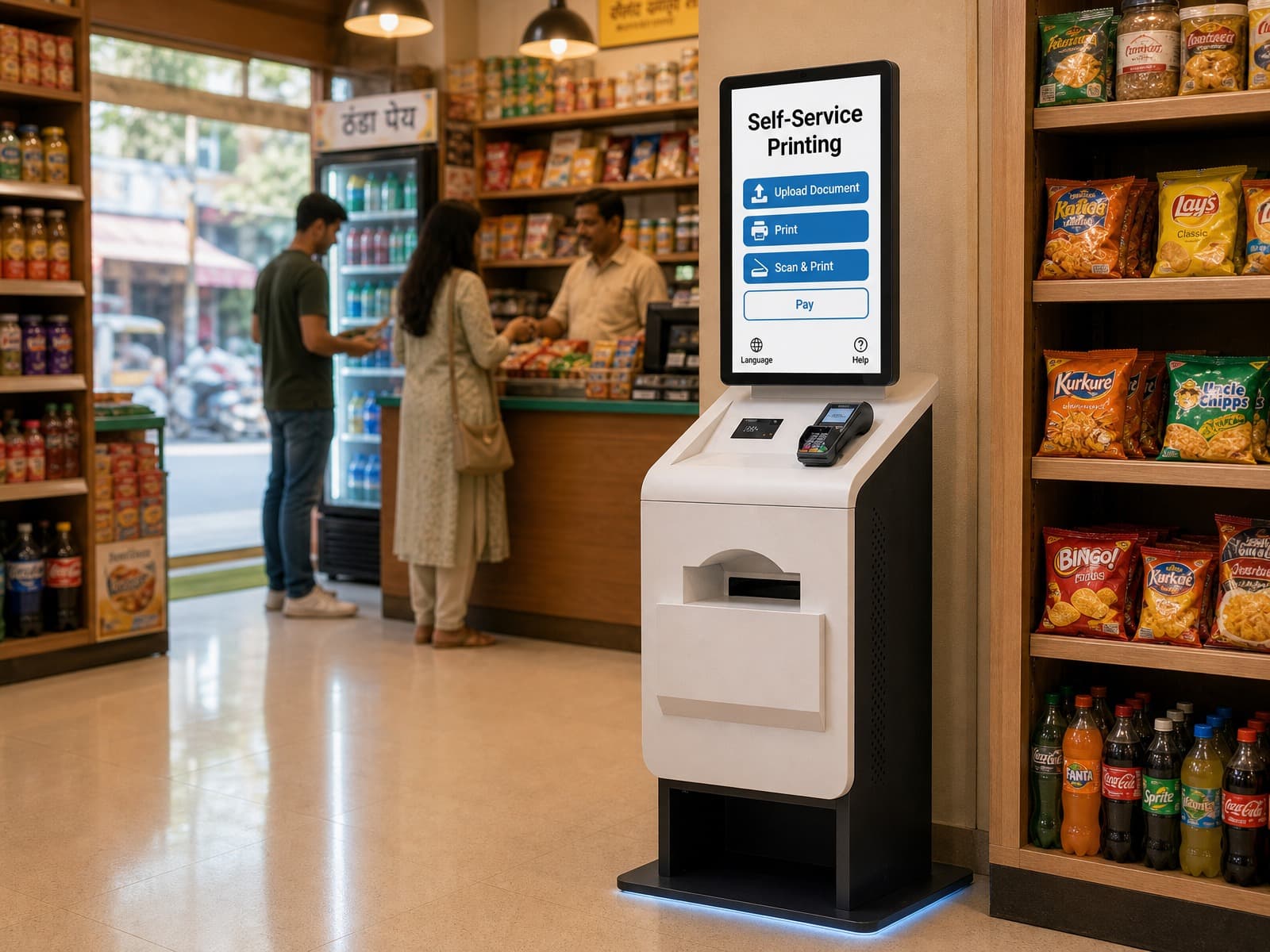
SELF-SERVICE PRINTING SOLUTION
Self-service Printing Solution
A complete self-service printing solution combining kiosk hardware, document processing, payment integration, printer connectivity and centralized management for unattended printing environments.
CRTLY coordinates the kiosk hardware, peripheral integration, system connection and deployment support required to build a reliable self-service printing workflow.
- Document Upload
- QR / File Access
- Payment
- Printing
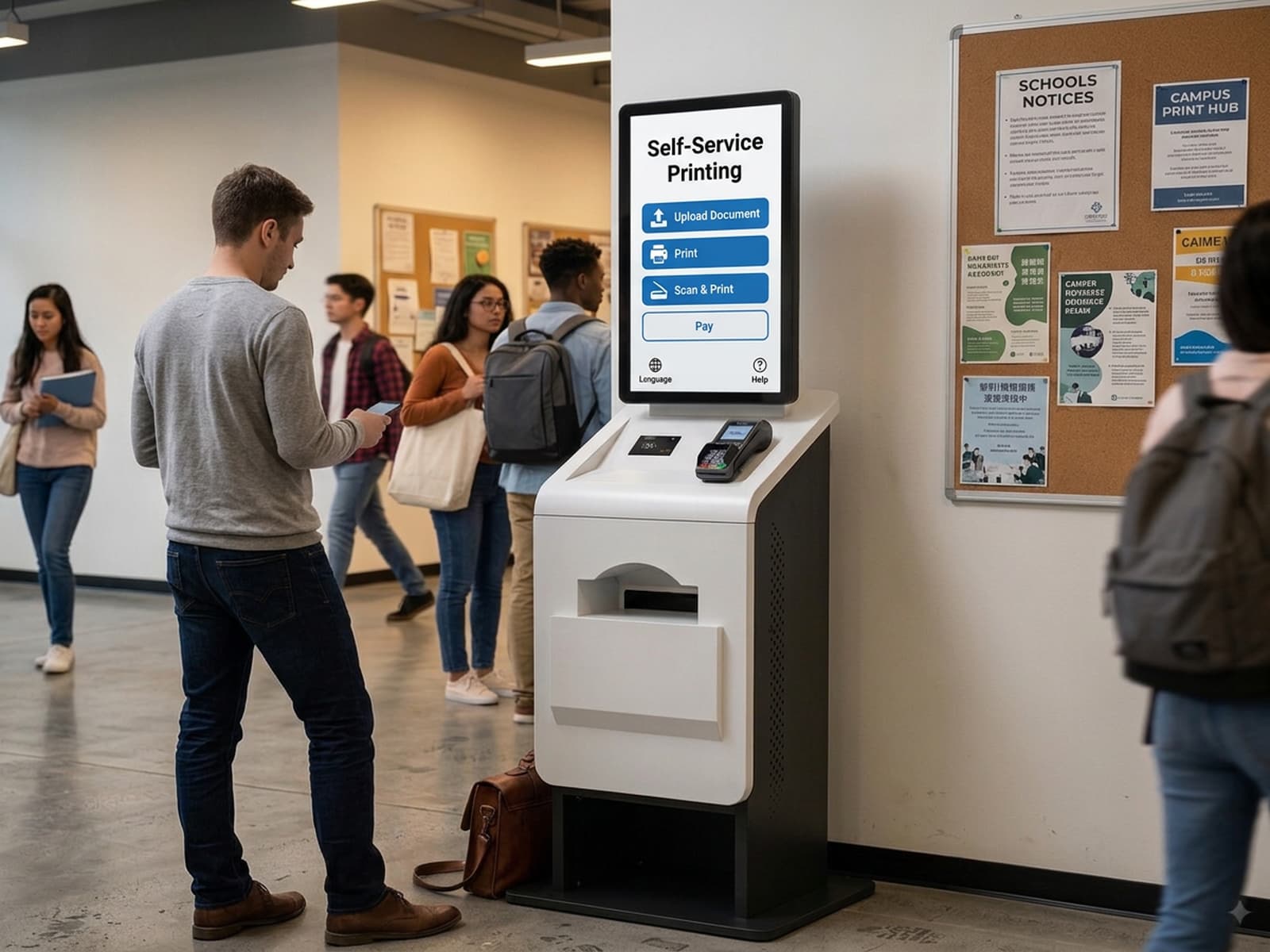
Solution Outcomes
What This Solution Solves
Challenge
Dependence on Staff for Printing
Outcome
Independent Self-Service Printing
Challenge
Limited Service Hours
Outcome
24/7 On-Demand Printing
Challenge
Inconvenient Document Handling
Outcome
Flexible File Upload & Copying
Challenge
Limited Operational Visibility
Outcome
Optional Remote Monitoring & Reporting
END-TO-END WORKFLOW
Self-service Printing Workflow
A simple self-service printing journey — from document upload and preview to quantity selection, payment, printing and automatic return to the home screen.
Upload the document through Wi-Fi, USB or the connected app, depending on the configured system.
INDUSTRY SYSTEM ARCHITECTURE
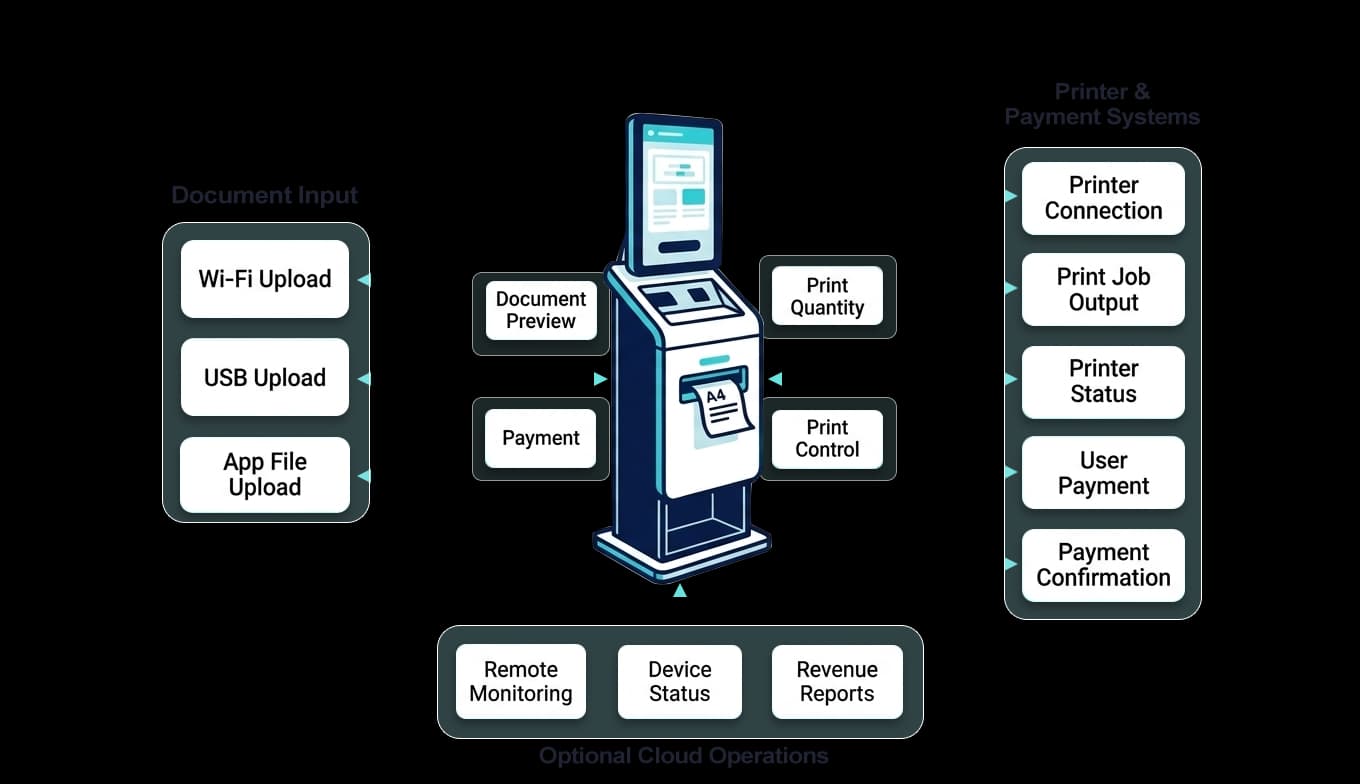
Printing System Architecture
A connected architecture linking document intake, the self-service printing kiosk, printer systems, payment and operations tools.
WHAT CRTLY DELIVERS
Complete Self-Service Printing System
CRTLY provides a complete self-service printing system with integrated kiosk hardware and printing software, plus printer, payment and external system connectivity, deployment and ongoing support.
01
Kiosk Hardware
Complete self-service printing kiosk hardware
- · Industrial kiosk platform
- · Touchscreen & controller
- · Integrated peripheral layout
02
Printing Software
Complete self-service printing software platform
- · File upload & access
- · Document preview
- · Print configuration
03
System Integration
Printer, payment and external system connectivity
- · Printer connectivity
- · Payment integration
- · API / platform integration
04
Deployment & Support
Deployment, testing and ongoing technical support
- · System validation
- · Deployment coordination
- · Technical support
FAQ
Printing Solution Questions
Answers to common questions about printer connectivity, payment, printing platforms and project deployment.
Can CRTLY provide the complete self-service printing kiosk system?
Yes. CRTLY can coordinate a complete self-service printing project including kiosk hardware, peripheral configuration, workflow software integration, printer and payment connections, deployment and long-term support. Depending on the project, printing workflow software may be provided by CRTLY, a solution partner, or connected to the customer’s existing printing platform.
What printers can be integrated with the kiosk?
CRTLY has already integrated selected printer models from HP, Brother and Epson into our self-service printing system. If your project requires a specific printer model, our engineering team can evaluate its interface and communication requirements and carry out the necessary integration and testing to connect it with the kiosk and printing software.
What payment methods and payment hardware can be supported?
CRTLY supports both cashless and cash payment configurations. Nayax POS terminals have already been integrated for card and other supported cashless payments. For cash payments, the kiosk can be configured with ITL banknote and coin handling modules, including NV9, NV200 Spectral, Spectral Payout, SMART Coin System and SMART Hopper. The cash configuration can be selected according to the project requirements, such as banknote acceptance, coin acceptance or change/payout functionality. If another POS terminal or payment device is required, our engineering team can evaluate and integrate it when the necessary API, SDK or interface documentation is available.
Can the kiosk connect to an existing printing platform or software?
Yes. CRTLY can integrate compatible printers, payment devices and third-party printing platforms through available APIs, SDKs or communication interfaces. If you already operate a print management platform, send us the platform name and available interface documentation so the integration team can evaluate the connection requirements.
Related Content
Self-Service Printing Kiosk Application
Hardware application scenarios for public and corporate print points.
SOLUTION INQUIRY
Planning a Self-service Printing Project?
Tell us about your printing workflow, printer requirements, payment method, document source and deployment environment. Our solution team will evaluate the suitable hardware and integration architecture.
SELF-SERVICE PRINTING SOLUTION
Self-service Printing Solution
- Complete Project Coordination
- Hardware & System Integration
- Long-term Technical Support